




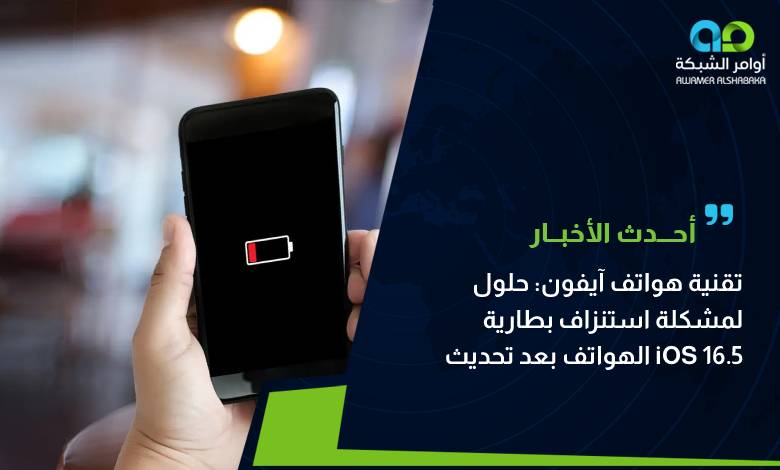
Recently, complaints have surged regarding rapid iPhone battery drain, particularly following the iOS 16.5 update. Apple rolled out iOS 16.5 to deliver system enhancements, bug fixes, and critical security patches across iPhone devices. However, numerous users observed an accelerated loss of battery life shortly after installing the update, alongside slower charging speeds. Meanwhile, Apple is actively working on the upcoming iOS 16.6 update, though official details regarding battery optimizations have not yet been disclosed.
The Impact of iOS 16.5 on iPhone Battery Performance
The recent iOS 16.5 update has triggered noticeable battery performance concerns for many iPhone users. Across multiple forums, users expressed frustration over batteries depleting significantly faster than normal post-update. Many find themselves needing to recharge their phones far more frequently, causing considerable disruption for professionals and individuals who rely on their devices throughout the day. In addition, charging efficiency has taken a hit: devices reportedly take longer to reach a full charge, creating delays and fueling concerns over battery longevity.
The Upcoming iOS 16.6 Update and User Expectations
In an effort to address these issues, Apple is currently preparing a new update, iOS 16.6. While expected to roll out soon, Apple has not yet confirmed whether dedicated battery improvements will be included in the release. Users remain optimistic that the new build will resolve rapid battery drain and restore fast charging, delivering an improved user experience and longer periods between charges.
Practical Tips to Preserve iPhone Battery Life
While waiting for the iOS 16.6 update, iPhone users can take several proactive measures to curb battery drain and extend battery life. Here are recommended steps you can implement today:
- Adjust Screen Brightness: Lower your screen brightness or enable Auto-Brightness to save valuable battery life.
- Disable Background App Refresh: Turn off Background App Refresh or configure apps to update only over Wi-Fi, updating them manually when needed.
- Turn Off Unnecessary Location Services: Location tracking consumes substantial battery power; disable location access for non-essential applications.
- Reduce App Notifications: Disable notifications for apps that do not require real-time alerts to prevent the display from constantly waking up.
- Close Unused Background Apps: Ensure you close heavy apps running in the background that drain power without providing active value.
By adopting these simple practices, users can curb excessive power consumption and enhance their iPhone’s daily performance.


